
Zorentia Office · Technical leadership until launch
Lead your engineers to launch. Without becoming one.
Zorentia Office gives founders who are not technical expert leadership on the way to launch. We make the technical calls with you, not for you, so you can direct your engineers, question their work and accept it with confidence.





What is Zorentia Office?
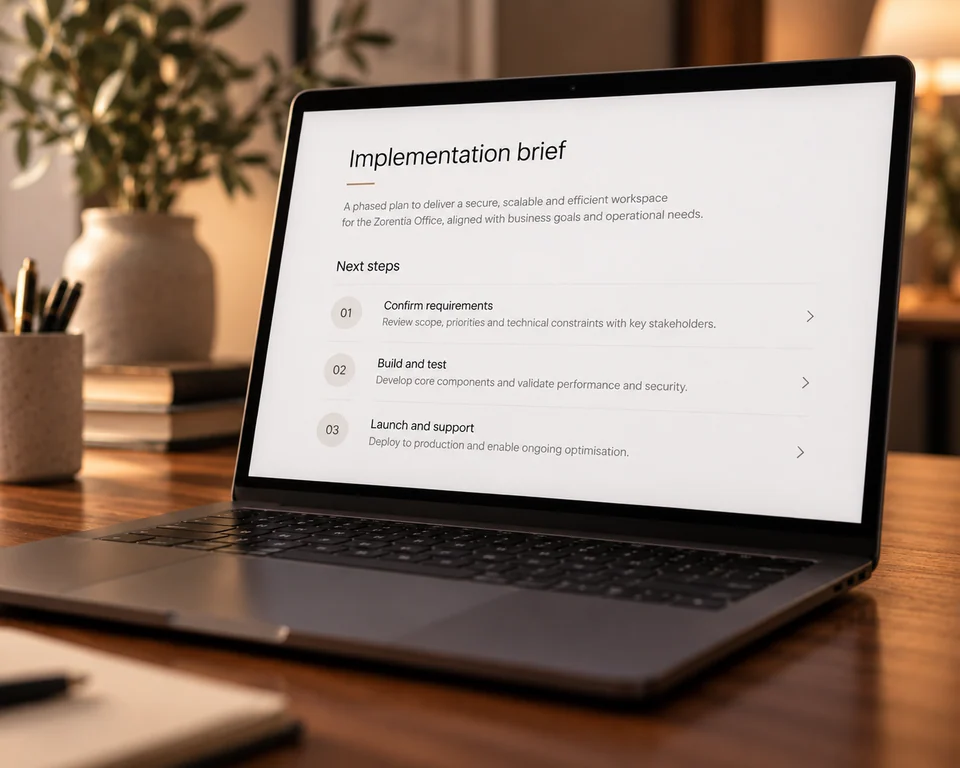
Zorentia Office is technical leadership for founders who are not technical. A Zorentia expert sits between you and your engineers, makes the technical calls with you, explains why, and writes the direction your engineers build from, all the way to launch. After each Office Hour, the Implementation Directive reaches your engineer automatically, so nothing depends on you remembering the call. Between sessions, you use the Office workspace to record what you learn from customers, engineers and the market, and it is saved for your next session instead of becoming a new task for your engineer.
Product launch
Founder portal · Build Plan
Build Plan
The path from first version to launch
The plan records what is complete, what your engineer is building now and what deliberately waits.
- Complete
Product foundation
Confirm the first release, technical accounts and ownership boundaries.
- 02Current
Account access
Build verified signup, login, invitations and protected routes.
- 03Next
First customer workflow
Connect the first complete customer action to the approved account states.
- 04Later
Billing and subscriptions
Add paid access only after the customer workflow is verified.
- 05Later
Launch verification
Complete security, ownership, deployment and release checks.
Know what to build, what waits, and whether it is actually done.
Bring what changed: customer feedback, engineer pushback, delivered work, new ideas. Your expert explains what each one means for the product, decides with you what happens now and what waits, and defines the checks that prove the work is finished.
- 01
Capture what changed
Tell Office records what you learn from customers, engineers and the market while it is fresh, and Project Memory keeps the reasoning behind every decision. A customer request is saved without becoming an instant task for your engineer.
- 02
Decide what happens now and what waits
Your expert explains the options, dependencies and consequences in plain language. Sometimes the answer is yes, that matters, but not yet. You make the decision and understand why.
- 03
Turn it into direction your engineer can build
The Build Plan is updated during the session. When you submit it, Office automatically delivers an Implementation Directive covering what to build, what is excluded and what proves the work is complete. The next session begins by checking delivered work against it.
- 2
- live Office Hours each month
- 60 min
- to review, decide and set the next milestone
- 1
- written Implementation Directive after every session, delivered to your engineer
You remain accountable for the company and its decisions. Your engineer remains responsible for implementation. Office provides the technical direction between you and does not replace either role. It does not include engineering implementation, continuous monitoring, comprehensive security audits or comprehensive codebase audits.