Overview
About this plan
What's inside: Automated Let's Encrypt installation, HTTPS redirection, and 'Set-and-Forget' auto-renewal.
Automate your SSL issuance with Certbot, force HTTPS redirects in Nginx, and verify your padlock icon on the live web.
Outcome
The Goal
Earn User Trust: Currently, browsers show a "Not Secure" warning on your site. We replace that warning with the professional padlock icon, signaling to users and recruiters that your site is legitimate.
Encrypt Sensitive Data: Don’t leave your users’ passwords or form data exposed. We implement HTTPS to ensure every byte of data traveling between the browser and your AWS server is fully encrypted.
Boost Your Professionalism: Professional developers don’t ship without SSL. This stage completes your production setup, ensuring your project meets modern web standards and SEO requirements.
Audience
Who This Is For
Applications
Best Use Cases
Finalizing Professional Portfolios
Complete the "Last Mile" of your project. A padlock icon tells recruiters that you didn’t just code an app - you shipped a production-ready system.
Launching MVPs with User Accounts
Protect your early adopters. If you are storing user emails or passwords, HTTPS is the baseline for legal and ethical data protection.
Learning Modern Security Infrastructure
Understand the "Certificate Authority" system. Learn how tools like Certbot have revolutionized the web by making encryption accessible to everyone.
Methodology
Why This Approach
Next Steps
What's next?
Quick Info
We use Let’s Encrypt + Certbot on Nginx. This is the industry-standard free path to SSL. If you use a different proxy like Caddy or Traefik, the concepts are the same.
Process
How it works
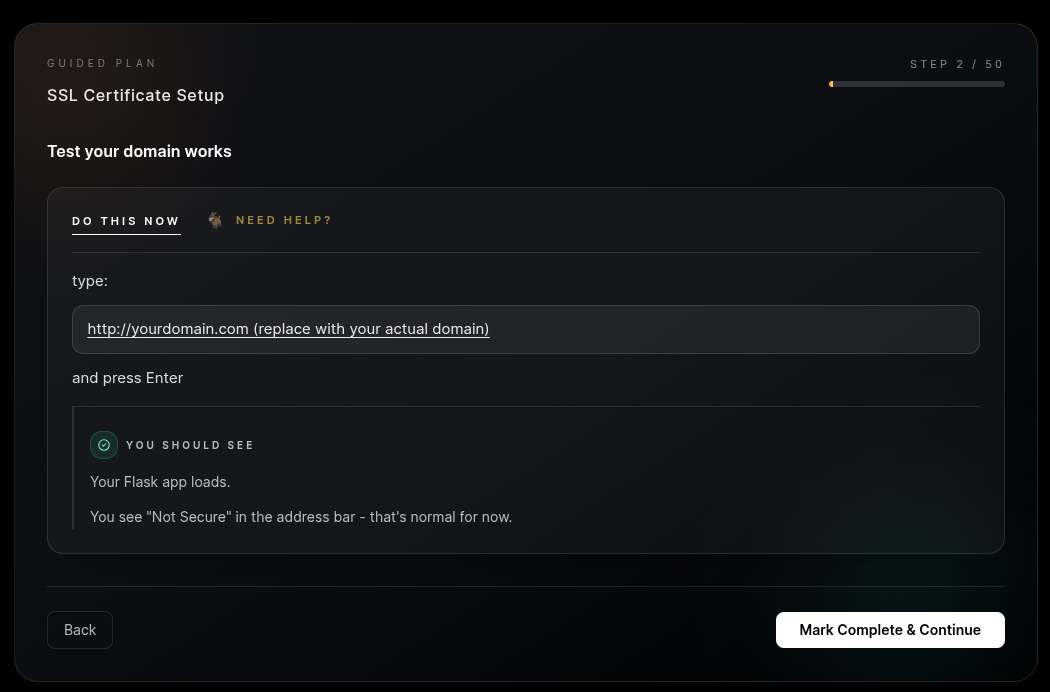
Step 1: Domain Readiness Check. We verify your domain is correctly pointed to your AWS IP. SSL certification requires a working "handshake" between the registrar and the server.
Step 2: Certbot Automation. We use Certbot (the industry-standard tool) to request a free certificate from Let’s Encrypt. This handles the complex cryptography and verification automatically.
Step 3: The HTTPS Redirect. We configure Nginx to automatically "force" secure connections. If a user types `http`, they are instantly moved to the secure `https` version of your site.
Step 4: Set-and-Forget Renewal. Let’s Encrypt certificates expire every 90 days. We configure a background "cron job" that renews your certificate automatically, so you never have to think about it again.
 Certbot
 Let's Encrypt
Deliverables
What you'll get
You walk away with a fully secured, production-grade web application. Your site is now encrypted using modern TLS standards, making it safe for logins and data handling. More than just a "Lock Icon," you have implemented a professional security workflow including automated certificate issuance and background renewals. Your project is no longer a prototype; it is a secure public service ready for real users and professional scrutiny.
Prerequisites
Before you begin
Cost
FREE (Let’s Encrypt provides certificates at $0 cost)
Time
10–15 minutes
Requirement
A working domain (e.g., http://myapp.com) and root access to your AWS EC2 server.
Ensure your domain is already pointed to your AWS IP and has been live for at least 30 minutes to ensure smooth certification.