Overview
About this plan
What's inside: Domain acquisition strategy, DNS routing basics, and access to student-free registration.
Secure your domain, map A-records to your AWS server, and verify global propagation using terminal diagnostics.
Outcome
The Goal
Stop Sharing IP Addresses: Sharing `http://54.123.45.67` looks like a work-in-progress. Sharing `yourapp.com` looks like a business. We help you secure a professional URL that belongs on a resume or pitch deck.
Establish a Permanent Web Identity: Moving from localhost to a domain is the "Final Milestone." This is where your app becomes a permanent, reachable destination on the internet.
Master DNS Infrastructure: Learn the mechanics of the internet. We walk you through configuring "A Records" and understanding propagation so you can manage your web traffic like a Pro.
Audience
Who This Is For
Applications
Best Use Cases
Founders Launching a Brand
Secure your startup name before someone else does. Even if the app is simple, a professional domain builds immediate trust with your first users.
Students Creating a Personal Project Hub
Buy one domain (e.g., `yourname.dev`) and use subdomains for all your projects. It keeps your portfolio organized and professional under one roof.
Engineers Demystifying DNS
Stop guessing why your site is down. Learn to check A-records, CNAMEs, and TTL settings to manage your own server infrastructure with confidence.
Methodology
Why This Approach
Next Steps
What's next?
Quick Info
We recommend Namecheap for its student program and price, but these DNS principles work on any registrar (Google, Cloudflare, AWS).
Process
How it works
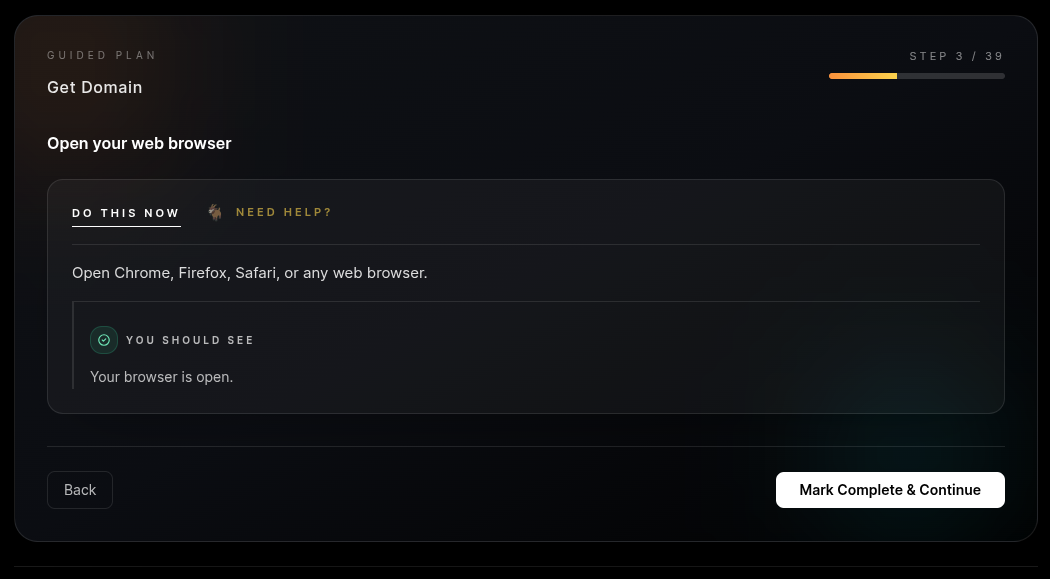
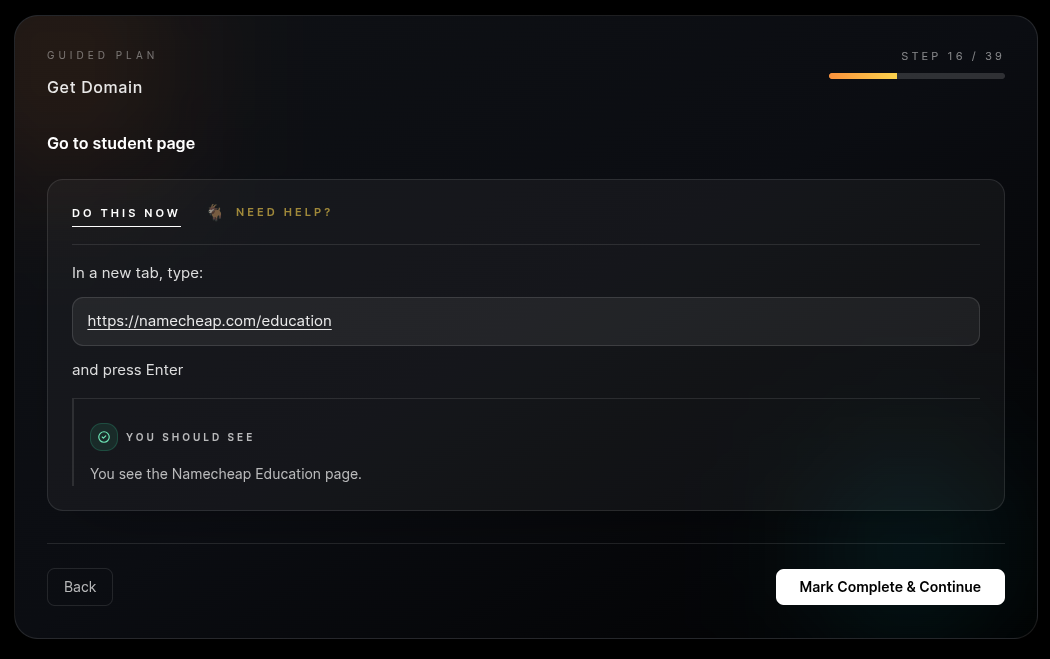
Step 1: Student Savings (Optional). If you have a .edu email, we show you how to claim a free .me domain through Namecheap. Professional real estate at zero cost.
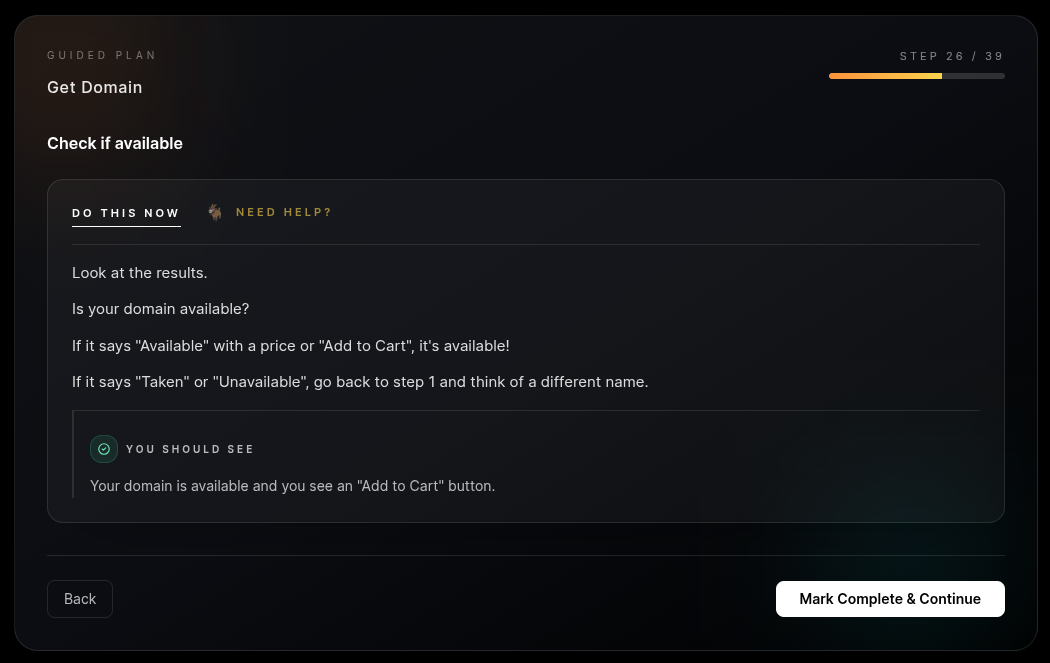
Step 2: Domain Registration. Secure your name with WHOIS privacy protection included. This keeps your personal contact info hidden from spammers and public databases.
Step 3: DNS Configuration. We map your domain to your AWS server. By setting up both `@` and `www` records, we ensure your app is reachable no matter how the user types it.
Step 4: Propagation & Verification. We use `nslookup` diagnostics to verify your domain is "talking" to your server globally, moving you past the "is it working yet?" guesswork.
 Namecheap
Deliverables
What you'll get
You walk away with a registered domain pointing directly to your live AWS server. This is your permanent "home" on the web. You can now put a professional link on your resume, LinkedIn, or business cards. More than just a name, you will understand the underlying DNS infrastructure that makes the web work. You’ve moved from a student with a local file to a developer with a global address.
Prerequisites
Before you begin
Cost
FREE with student email (.me) OR ~$10/year for standard domains
Time
15 minutes setup + propagation wait time
Requirement
A domain name idea and your AWS EC2 Public IP address.