Overview
About this plan
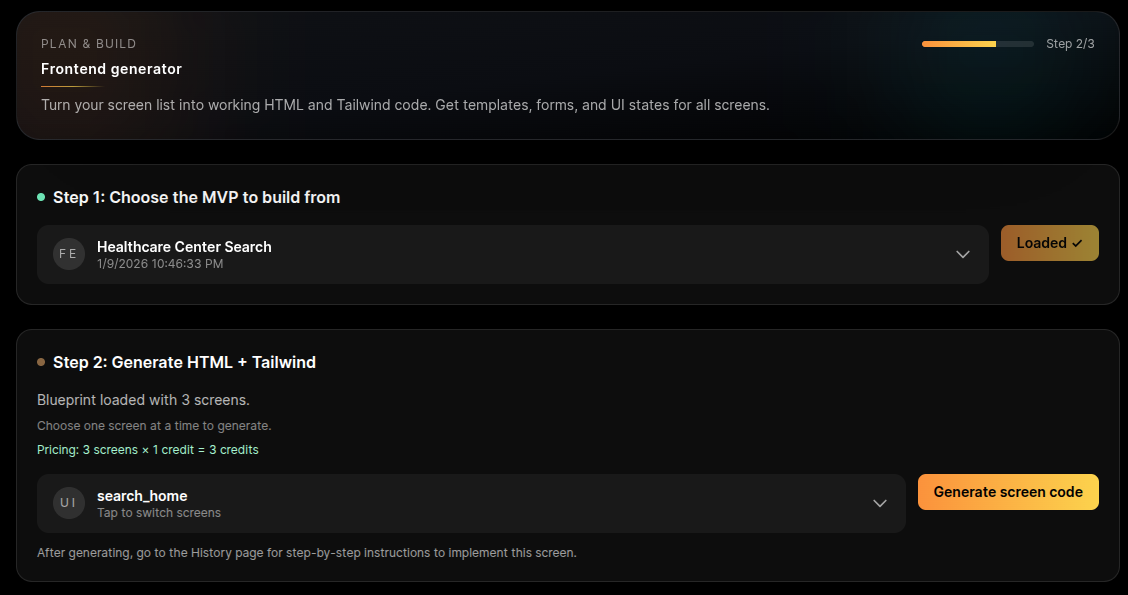
What's inside: Tailwind CSS + HTML templates synchronized with your Flask routes and database fields.
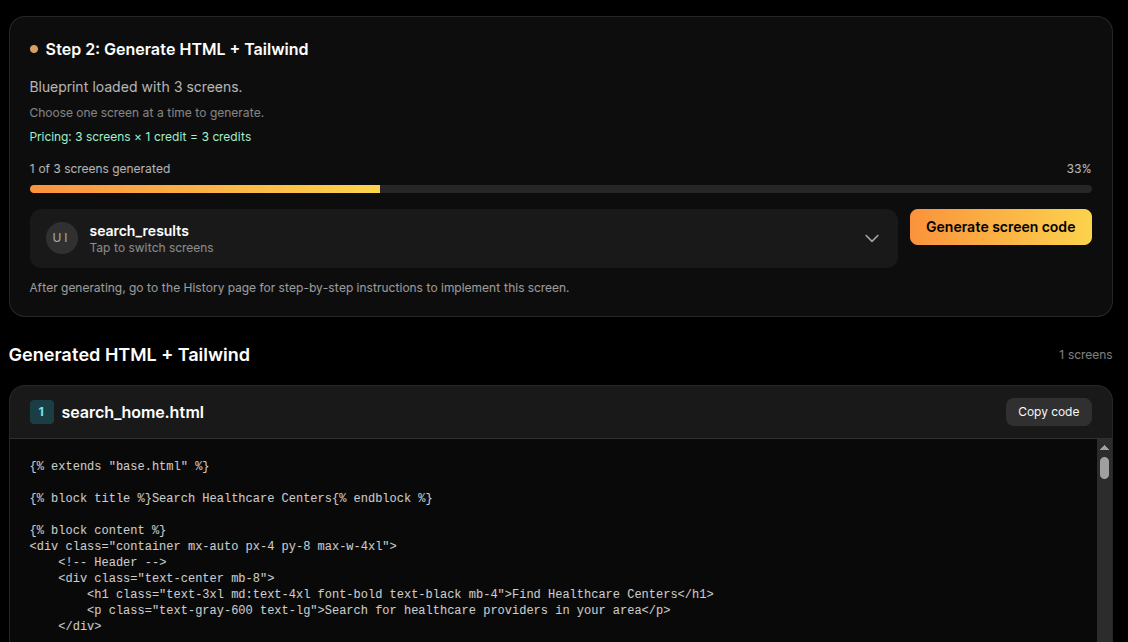
Pick a screen from your blueprint; we generate the Tailwind HTML pre-wired to your specific Flask routes and data fields.
Outcome
The Goal
The "Click-to-Data" Connection: Users don't call Flask routes; they click buttons. This stage provides the HTML/Tailwind markup that is mechanically linked to the backend logic you just built.
Synchronized Data Binding: Avoid the "Field Name Mismatch" nightmare. We ensure your form inputs (e.g., `name="user_email"`) perfectly match your backend validation and database columns.
Professional Design Standards: Get modern, responsive UI that looks like a high-end startup product. No more "default HTML" buttons or broken layouts - just clean, mobile-ready components.
Audience
Who This Is For
Applications
Best Use Cases
Students Building Jobs-Ready Portfolios
Recruiters judge your backend logic through the lens of your frontend. If the UI looks amateur, they assume the code is, too. This ensures your project looks as high-quality as your architecture.
Founders Shipping Real MVPs to Early Users
First impressions matter. A clean, responsive Tailwind UI gives your users confidence that your product is secure, modern, and reliable.
Maintaining Consistency Across a Team
Prevent the "Frankenstein App" look where every screen has different button styles. Standardize your design system so the whole app feels cohesive.
Methodology
Why This Approach
Next Steps
What's next?
Quick Info
We use Tailwind CSS + HTML. The structure is designed to be easily integrated into Flask/Jinja2 templates but works with any frontend setup.
Process
How it works
Step 1: Screen Blueprinting. You select a screen from your System Architecture (e.g., Dashboard, Login, or Profile). We generate the specific HTML/Tailwind code for that view.
Step 2: Logic Synchronization. We map every form action and button trigger to your actual Flask endpoints. The UI is pre-wired to "talk" to your server out of the box.
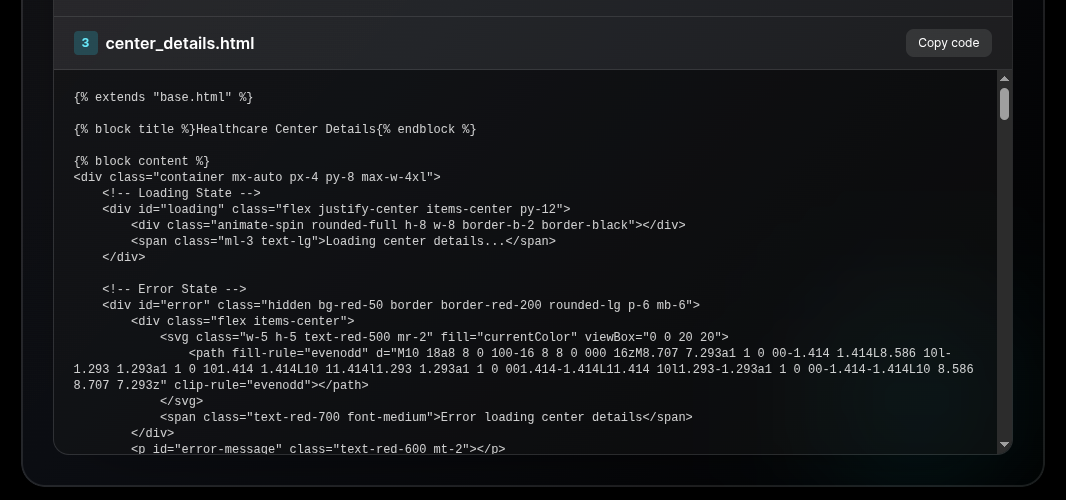
Step 3: State Implementation. We include the essential "UX Polishing" states: Loading spinners for data fetching, Error alerts for failed requests, and "Empty" states for new users.
 HTML
HTML Tailwind
Deliverables
What you'll get
You walk away with a frontend that is functionally alive. This isn’t just a "pretty design"; it is a working interface where every form is mapped to a real Flask route and every data display is tied to a specific database field. We include the subtle details that separate pros from amateurs - like loading indicators and error handling - ensuring your project behaves like a finished product, not an unfinished prototype.
Prerequisites
Before you begin
Cost
1 credit per screen
Time
10–20 minutes to paste and review each screen
Requirement
Working Backend Routes and a Screen List from your Architecture blueprint.