Overview
About this plan
What's inside: Step-by-step AWS EC2 provisioning, Ubuntu server hardening, and professional Nginx configuration.
Provision an EC2 instance, install the Python/Nginx stack via browser-SSH, and automate your app to run 24/7 as a Linux service.
Outcome
The Goal
Break the Localhost Barrier: Your app currently only exists when your laptop is open. We move it to an AWS data center where it runs 24/7, accessible to anyone in the world with a link.
Learn Industry-Standard DevOps: We don’t use "magic" deployment buttons. You will configure a real Ubuntu server using Nginx and Gunicorn - the same stack used by Instagram and Pinterest.
Build Professional Credibility: A live AWS link on a resume proves you can handle production infrastructure. It separates "students who code" from "engineers who ship."
Audience
Who This Is For
Applications
Best Use Cases
Final Year Portfolio Projects
Stand out from the crowd. Most students never deploy. By putting your app on AWS, you demonstrate a level of technical maturity that is highly attractive to hiring managers.
Small Business or Startup MVPs
Get your business idea online with zero overhead. AWS Free Tier allows you to run your MVP for a year for free, giving you time to find product-market fit.
Learning the "Linux Way"
The best way to learn Linux is to have a server to break. We give you a safe, guided path to configuring Ubuntu, but you retain the freedom to explore and learn.
Methodology
Why This Approach
Next Steps
What's next?
Quick Info
We use Ubuntu on AWS EC2. These Linux skills are 100% transferable to DigitalOcean, Google Cloud, or Azure.
Process
How it works
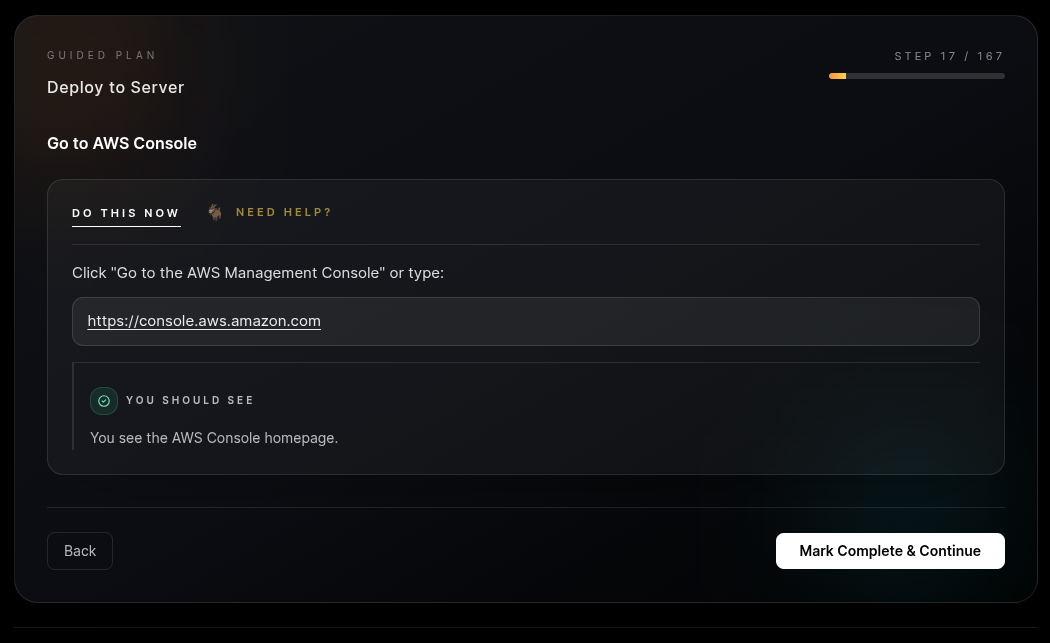
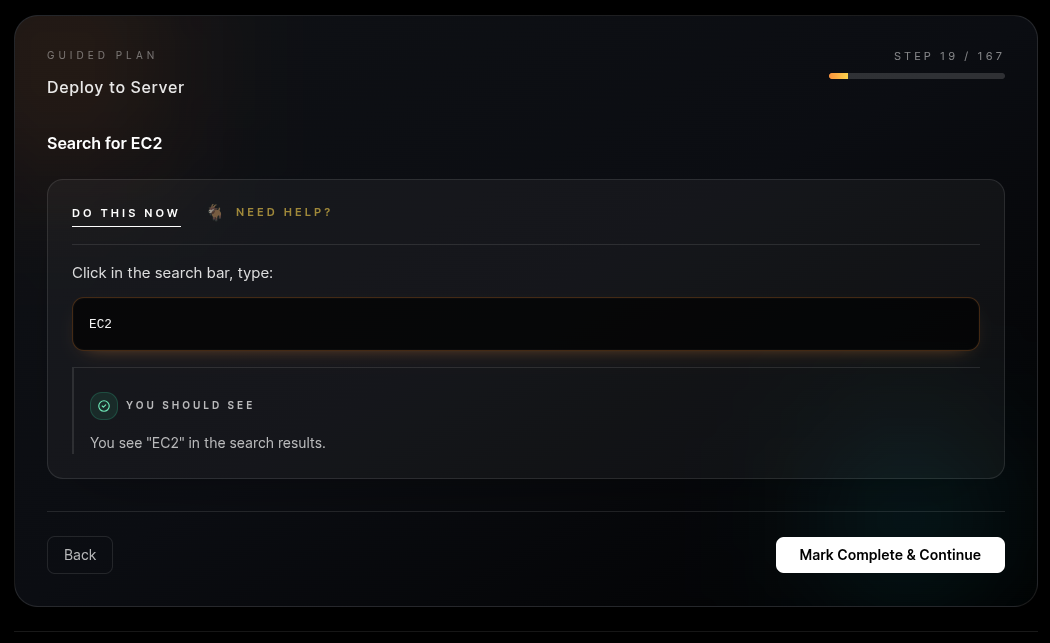
Step 1: AWS Free Tier Provisioning. Create your account and launch an EC2 instance. We show you exactly which settings to click to stay within the 12-month Free Tier ($0 cost).
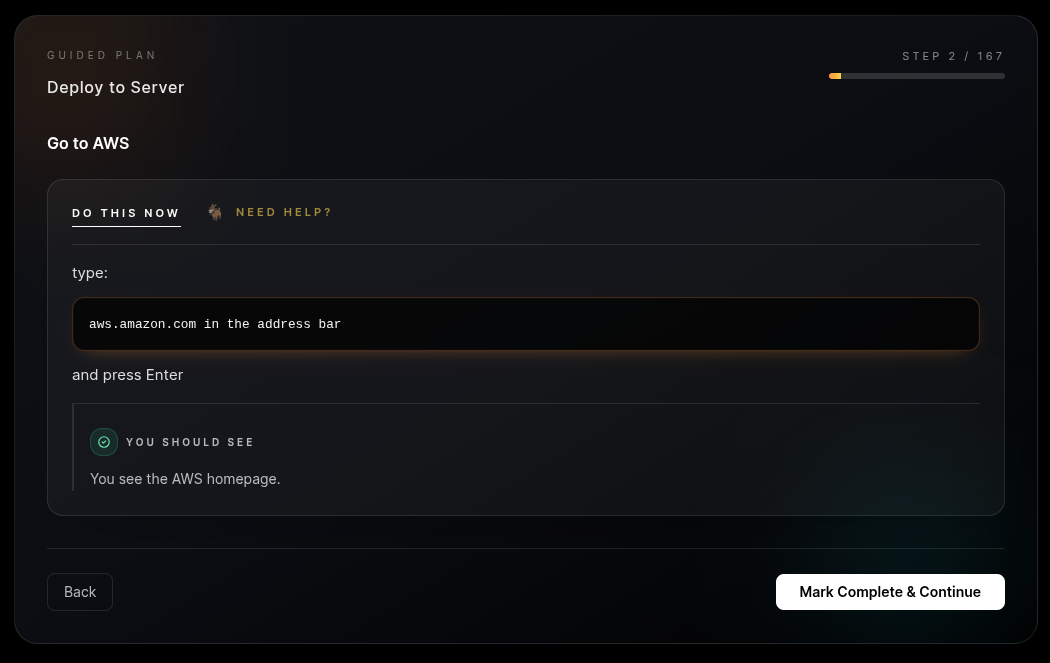
Step 2: Browser-Based Command Center. No SSH keys or terminal headaches. Connect directly through the AWS browser-based terminal to get root access to your new server.
Step 3: The Production Stack. Run our "One-Click" verified commands to install Python, MySQL, and Nginx. We turn a blank Linux box into a powerful web server in minutes.
Step 4: The Gunicorn + Nginx Handshake. Configure your app to run as a background service. If your server reboots, your app auto-restarts. It’s "Set it and Forget it" infrastructure.
 AWS
AWS GitHub
 Ubuntu
Deliverables
What you'll get
You walk away with a live production deployment running on the world’s most powerful cloud provider. Your app is no longer a "project" - it is a service. It runs 24/7 on AWS infrastructure. You’ve successfully navigated the transition from development to production, setting up the exact environment used by professional DevOps engineers. This includes Nginx for traffic handling, Gunicorn for process management, and Linux services for 100% uptime automation.
Prerequisites
Before you begin
Cost
$0.00 (Uses AWS Free Tier)
Time
30–45 minutes
Requirement
A working Flask app on GitHub and a valid ID/Card for AWS verification.
AWS requires a credit card for identity verification, but we will stay within the Free Tier so you are not charged.