Overview
About this plan
What's inside: Step-by-step DNS record configuration, Nginx domain mapping, and propagation diagnostics.
Retrieve your AWS IP, map A-Records at your registrar, update your Nginx server_name, and verify global routing via diagnostics.
Outcome
The Goal
Bridge the Gap: Your app is live at a numbered IP; your domain is parked at a registrar. This stage builds the bridge between them so that typing `yourdomain.com` actually pulls data from your AWS server.
Professional Networking: Replace "hobbyist" IP links with "production" URLs. We set up your infrastructure so that both the root domain and the `www` subdomain work perfectly, ensuring no user gets a "Site Not Found" error.
Master the Nginx Handshake: It’s not enough to point the domain to the IP; the server must know to "catch" it. We configure Nginx to recognize your specific domain, a critical step for professional server management.
Audience
Who This Is For
Applications
Best Use Cases
Students Launching Production Portfolios
Prove you can ship a complete product. A live domain is the ultimate proof that you understand the full-stack - from code and databases to DNS and server routing.
Founders Launching an MVP
First impressions matter. Use this to ensure your startup’s domain is the "Source of Truth" for your brand, providing a reliable home for your first users.
Developers Testing Multi-App Servers
Learn how to use Nginx to host multiple domains on a single AWS server. Once you master `server_name` routing, you can host 5 apps on 1 server to save costs.
Methodology
Why This Approach
Next Steps
What's next?
Quick Info
These DNS principles are universal. Whether you use Namecheap, GoDaddy, or Cloudflare, the A-Record and Nginx steps remain the same.
Process
How it works
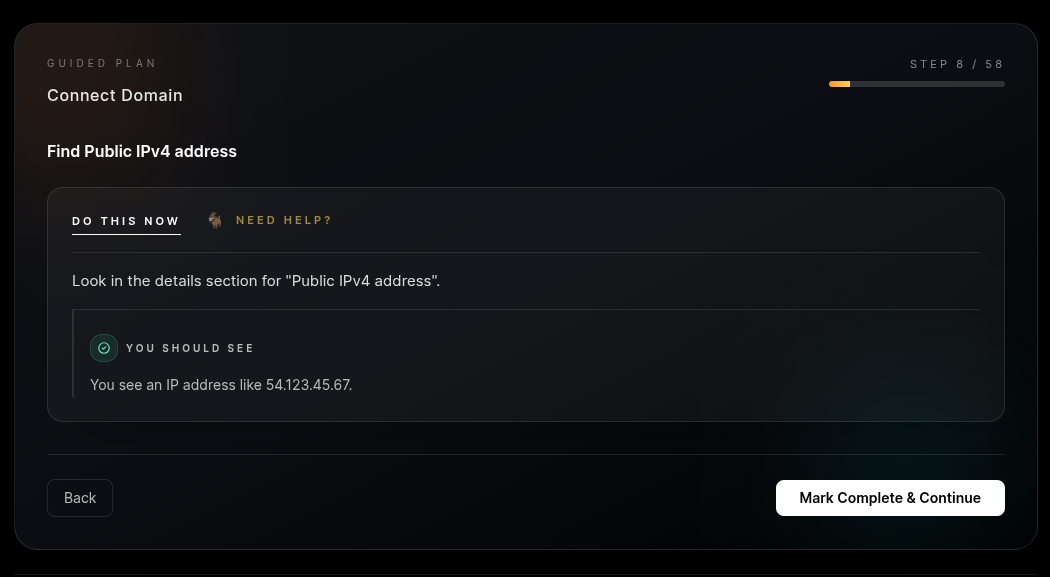
Step 1: IP Synchronization. We verify your AWS Elastic IP is active and the app is responding. We never touch DNS until we know the server is healthy.
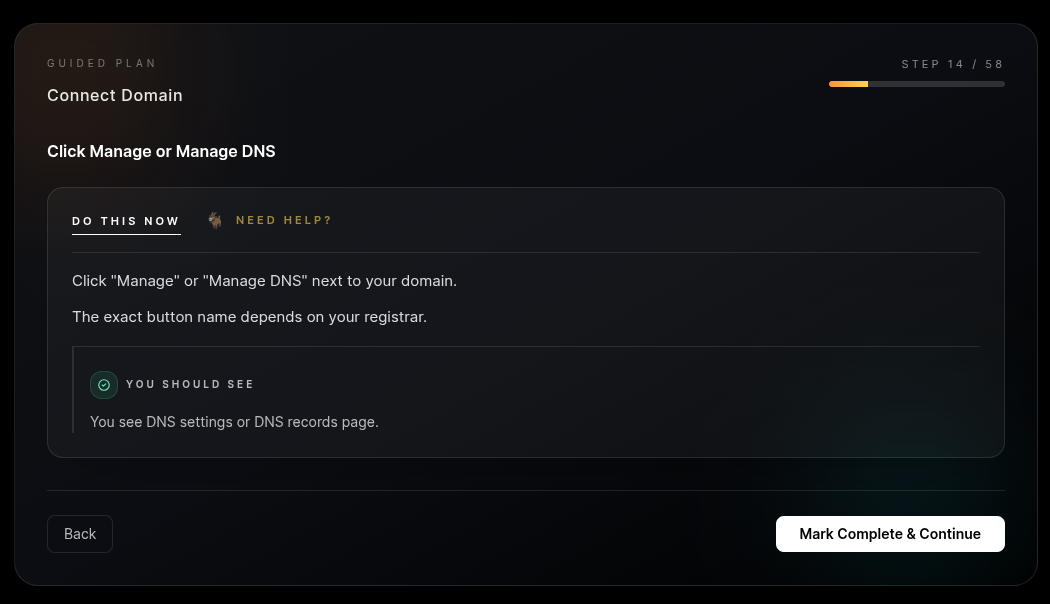
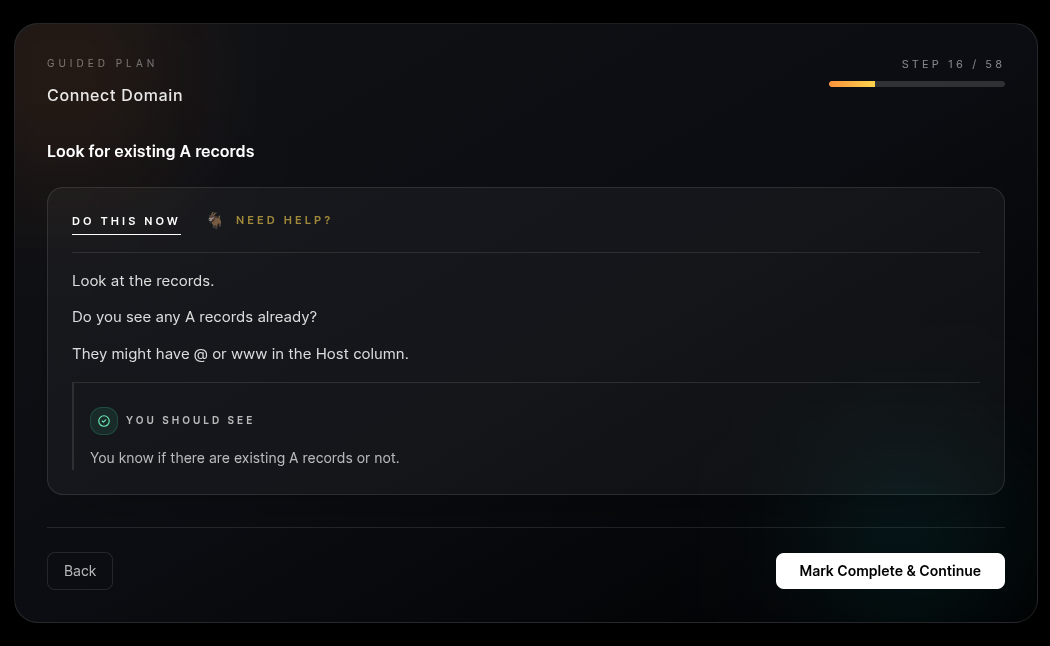
Step 2: A-Record Mapping. You’ll configure A-Records at your registrar (Namecheap, Cloudflare, etc.). We map both `@` and `www` to your AWS IP to ensure 100% reachability.
Step 3: Propagation Diagnostics. Using `nslookup`, we track the "ripple effect" of your DNS changes across the globe. You’ll see exactly when your domain is live in New York, London, and Tokyo.
Step 4: Nginx Server_Name update. We update your Ubuntu server’s Nginx configuration to explicitly listen for your domain. This is the final internal "routing" step.
 AWS
AWS Namecheap
Deliverables
What you'll get
You walk away with a professionally routed application. When a user types your domain, the request is directed by global DNS servers to your AWS IP. Your Nginx server then "catches" that request because it has been configured to recognize your domain name specifically. This end-to-end routing is how every professional site on the web functions. You’ve moved from a standalone server to a fully integrated web presence.
Prerequisites
Before you begin
Cost
FREE (Included in your domain/AWS setup)
Time
20 minutes + propagation wait
Requirement
A live AWS EC2 IP and access to your Domain Registrar account.
DNS propagation is out of our control and can take anywhere from 5 to 60 minutes. Have a coffee ready!